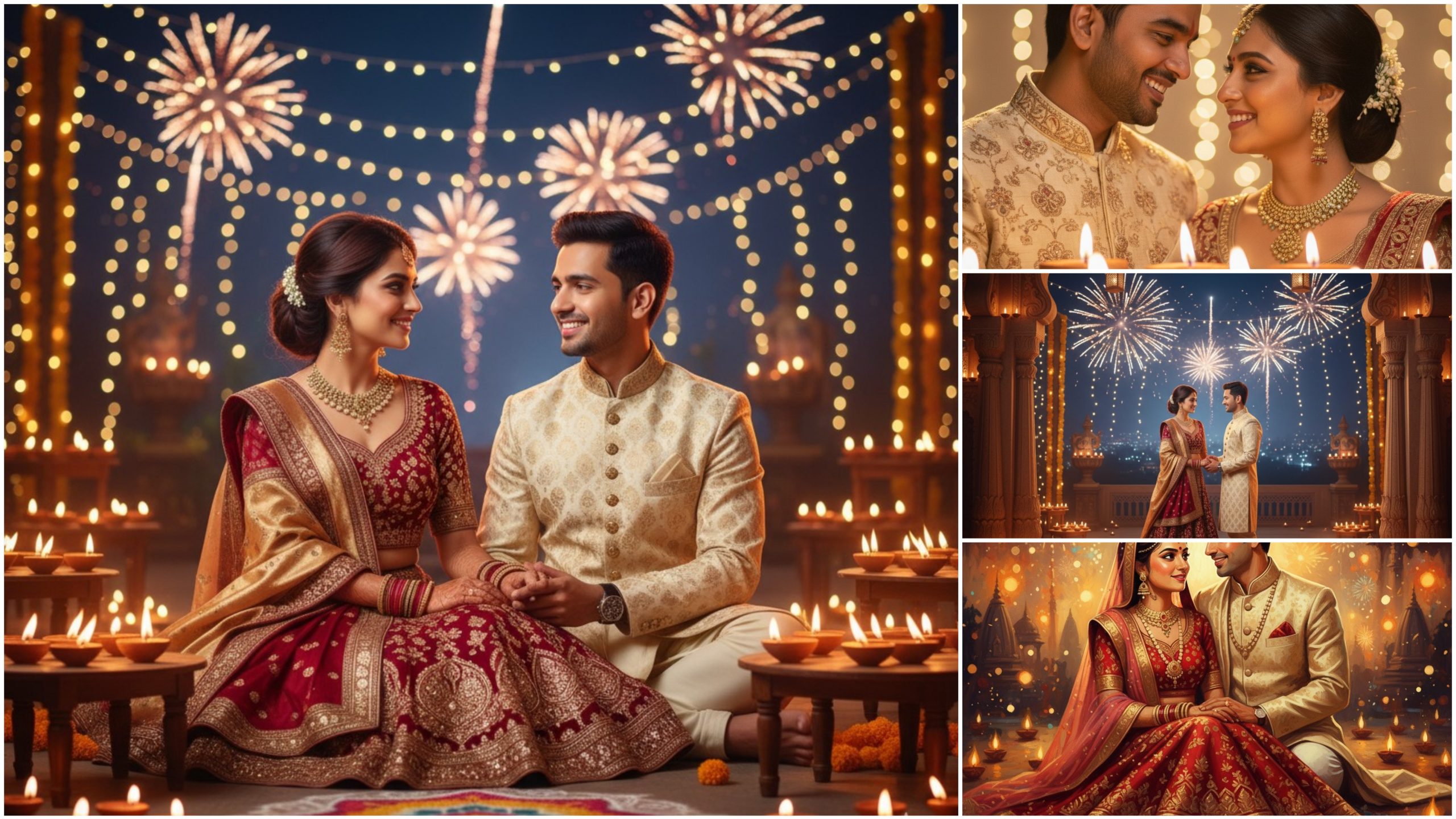
Are you tired of using the same basic photo editing ideas again and again? Here’s something game-changing — Unlimited AI Photo Editing Prompts that will make your images look like they came straight from a professional studio
Whether you use ChatGPT, Gemini, Midjourney, Leonardo AI, or PicsArt AI, these prompts work everywhere. Just copy, paste, and watch your photos transform in seconds!
What You’ll Get
✅ 1000+ AI photo editing prompts
✅ Realistic portrait prompts
✅ Aesthetic background prompts
✅ Cinematic lighting effects
✅ Creative AI manipulation prompts
✅ Trending social media edit ideas
Why You Need These Prompts
AI tools are smart — but the real magic lies in the prompts.
A single powerful line can turn a normal photo into a masterpiece.
With these ready-made prompts, you’ll:
Save editing time
Boost your creativity
Get viral-worthy results
Level up your photo editing game instantly
Example Prompts You’ll Love
“Make this portrait ultra-realistic with cinematic lighting and smooth skin texture.”
“Turn this selfie into a dreamy sunset beach photo.”
“Create a futuristic AI-generated aesthetic with neon glow and reflection effects.”
Works With
ChatGPT
Gemini
Midjourney
Leonardo AI
Bing Image Creator
PicsArt AI
And all major AI photo tools
Prompt :-
1. Cinematic Portrait Glow
“Enhance this portrait with soft cinematic lighting, warm tones, smooth skin texture, and bokeh background.”
2. Dreamy Aesthetic Edit
“Transform this photo into a dreamy pastel aesthetic look with soft blur, pink-blue tones, and glowing highlights.”
3. Golden Hour Effect
“Add realistic golden hour sunlight with warm orange light, long shadows, and a soft lens flare effect.”
4. AI Futuristic Style
“Make this photo look futuristic with neon lighting, metallic tones, reflections, and a cyberpunk city background.”
5. Vintage Film Look
“Apply a vintage 90s film effect with grain, faded colors, and a soft vignette for a nostalgic vibe.”
6. Fantasy Art Edit
“Turn this image into fantasy art with magical lighting, floating sparkles, and a mystical forest background.”
7. Professional Studio Edit
“Enhance this portrait like a studio photoshoot with clear sharpness, even lighting, and smooth background blur.”
8. Social Media Viral Look
“Make this photo pop for Instagram — add cool tone filters, contrast boost, clarity, and cinematic crop.”
9. Dark Moody Edit
“Create a dark moody vibe with deep shadows, cool tones, soft highlights, and dramatic contrast.”
10. Cartoon / AI Art Style
“Convert this photo into a high-quality digital cartoon with clean outlines, bright colors, and expressive detail.”