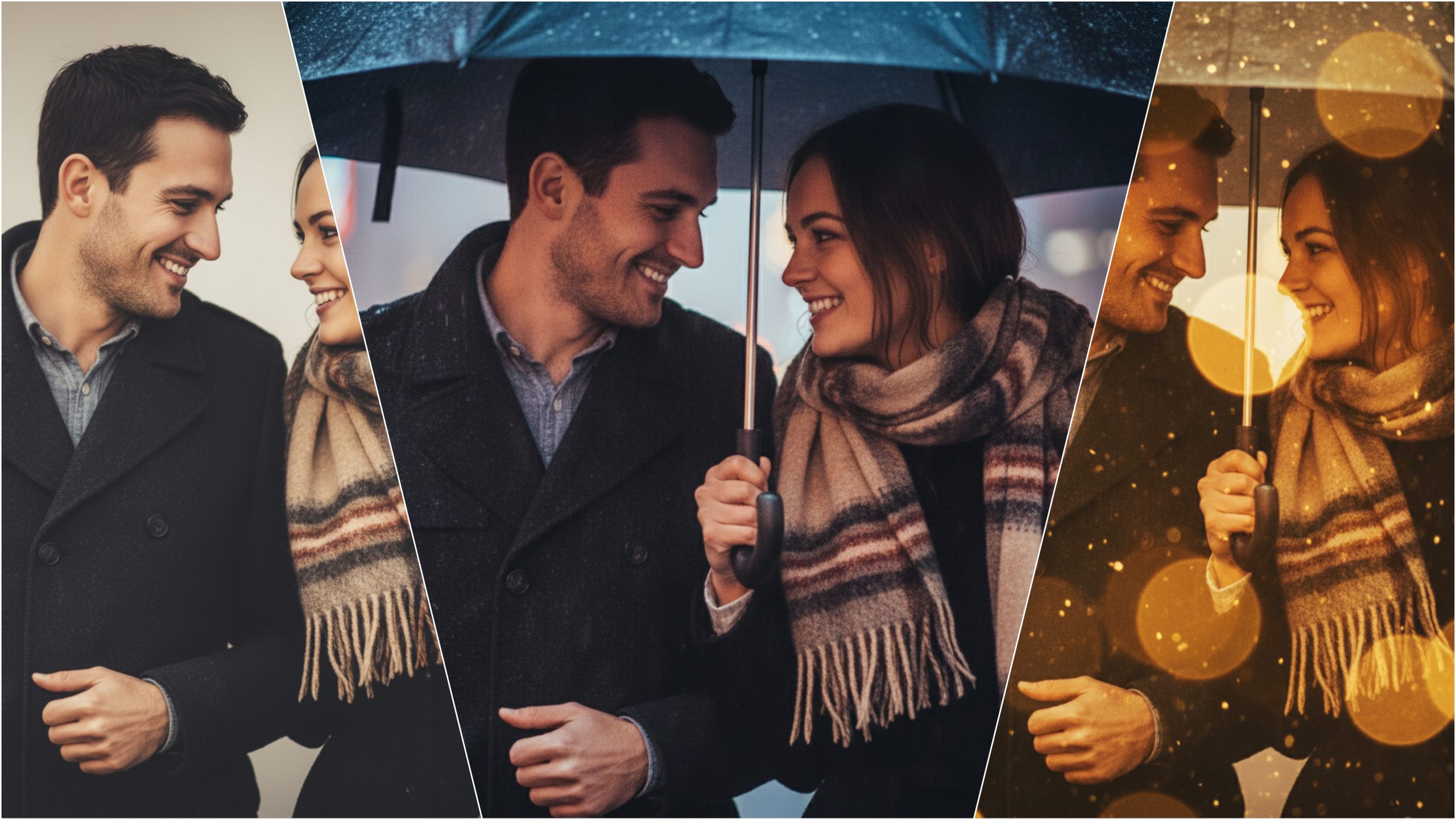
Everyone loves a perfect photo — smooth skin, glowing light, and cinematic vibes.
But not everyone knows how to edit like a pro.
That’s where AI Face Editing Prompts come in — simple text commands that instantly transform your photo into a masterpiece.
Whether you’re editing selfies, portraits, or profile pictures, these prompts work like magic on ChatGPT, Gemini, Midjourney, Leonardo AI, and PicsArt AI.
What Are AI Face Editing Prompts?
AI face prompts are detailed text instructions that tell AI exactly how you want your face or portrait to look.
For example, you can write:
> “Make this portrait glow with soft cinematic lighting, smooth skin, and natural tones.”
And boom — your image will look like it came from a professional studio in seconds.
Why You’ll Love These Prompts
No need for Photoshop or complex editing apps.
Get smooth, clear, and realistic face results.
Perfect for Instagram, YouTube thumbnails, profile pics, and AI art.
Works with any AI tool that accepts image prompts.
10 Powerful AI Face Editing Prompts (Copy & Use Instantly)
1. “Enhance this portrait with natural skin tone, soft light, sharp details, and cinematic depth.”
2. “Make this selfie glow with warm golden light, smooth face texture, and a dreamy bokeh background.”
3. “Turn this photo into a magazine-style portrait with clean background, sharp focus, and smooth lighting.”
4. “Apply soft retouching — remove blemishes, brighten eyes, and add a realistic glow to the face.”
5. “Create a high-end studio portrait look with perfect lighting and balanced color tone.”
6. “Add cinematic shadows, contrast boost, and light reflection for a dramatic close-up.”
7. “Transform this selfie into a professional headshot with natural highlights and minimal editing.”
8. “Make this portrait ultra-realistic with HD texture, balanced saturation, and subtle glow.”
9. “Add cool blue tones and soft ambient light for a futuristic portrait vibe.”
10. “Give this photo a fantasy touch — glowing skin, magical lighting, and a soft dreamy background.”
How to Use These Prompts
1. Open any AI photo editing tool (ChatGPT, Gemini, Midjourney, etc.)
2. Upload your face photo or selfie.
3. Copy any prompt from above and paste it in the prompt box.
4. Watch as AI enhances your photo like never before!
You can also mix prompts for unique effects like “cinematic + fantasy glow” or “vintage + moody lighting.”
Download Now (Free AI Face Prompt Pack)
Click the Download Button below to get 500+ AI Face Editing Prompts for free.
Includes all categories:
Realistic Face Prompts
Beauty Retouching Prompts
Cinematic Portrait Prompts
Aesthetic Selfie Edits
AI Art Face Transformations
All in one pack — ready for instant use.
Final Words
AI editing isn’t about filters anymore — it’s about creativity.
With these AI Face Editing Prompts, you can control every detail: lighting, tone, expression, and atmosphere.
So stop scrolling — start creating!
Turn your selfies into professional portraits today with just one prompt and one click.